

To create dashboards, you need access to the Dashboards administration section. This permission can be granted by an administrator in D4InfoNet. The permission is obtained through membership of the Admin Dashboards group. Once you are a member of this group, you have access to create and edit dashboards in D4InfoNet. Once you have been granted the permission, you can access the administration section in Dashboards via the icon in the top right corner.
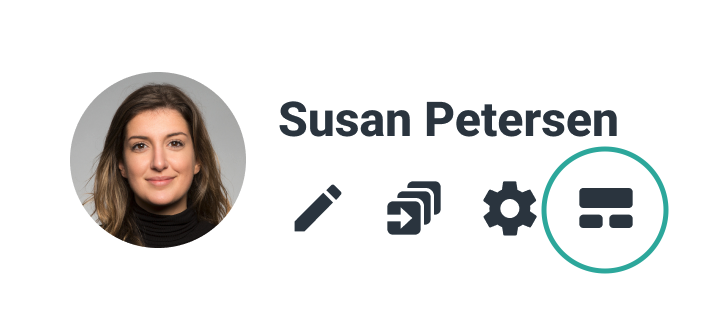
If the icon is not visible, the access can be found by clicking on your avatar next to your name in the top right corner. If you want to know more about setting up the top menu, you can read about it in the Setup manual.